
Most parents and solo business owners use AI LLM like Gemini at about 30% of what it can actually do. We tend to treat it like a search engine, asking a quick question and moving on. But when you’re trying to finish a client project before the kids wake up or during a nap, a "quick chat" isn't enough to save you real time.
To stop feeling overwhelmed and start designing a life where work fits around your family, you need to stop just "chatting" with AI. You need to start building engines.
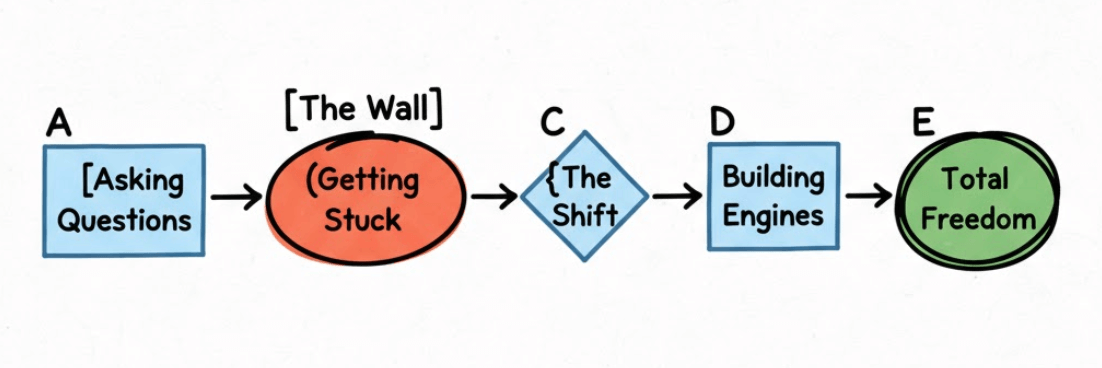
After years working at tech giants like Google and Meta, I noticed a huge gap: the tools are amazing, but most people don't have a simple way to use them. This guide shows you my AI Health Check, a simple way to scan your habits, see where you’re wasting time, and build the "set-and-forget" tools you need to finish work faster.
The Problem: The "Google Search" Habit
Most people get stuck in a loop that doesn't actually save time:
One-and-done questions: You ask one thing, get one answer, and the conversation dies.
Starting from scratch: Every time you open a new chat, you have to explain who you are and what you need all over again.
Ignoring the features: You treat Gemini like a chatbot rather than a tool that can analyze data, write code, or create images for your business.
To break out of this, you need a repeatable way to make AI work for you while you're away from your desk.
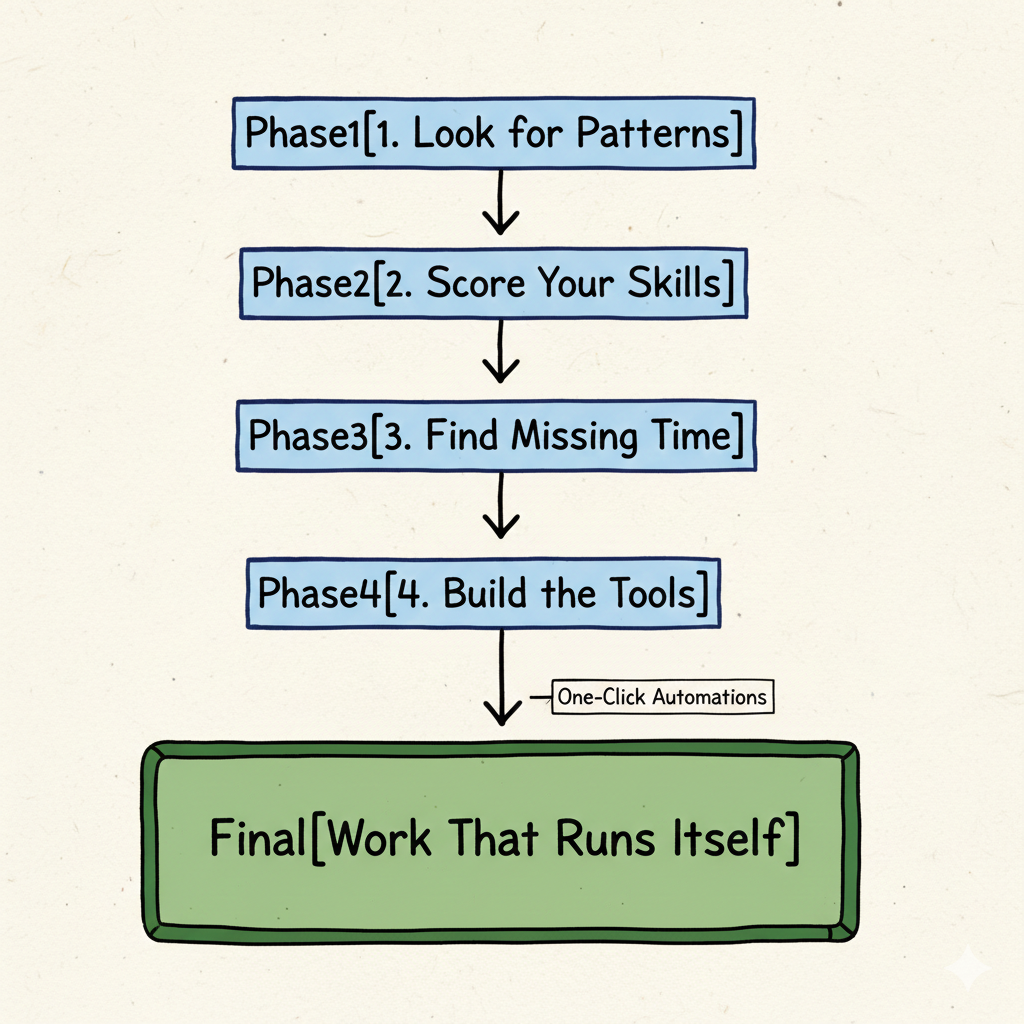
The 4-Step AI Health Check
We’re going to use the AI to audit itself. By using a special "Master Prompt," you can force Gemini to look back at your past chats and tell you exactly how to be more efficient.
The Master Prompt
Copy and paste the text below into your AI chat. For this example, I am using Google Gemini. It will identify your most common tasks and write the "God-Mode" instructions you need to automate them.
# YOUR ROLE
Act as my personal Business Systems Coach. Your goal is to review our past chats and my saved preferences to see how I can save more time.

# YOUR TASK
Complete these 4 steps:

1. PATTERN SCAN: Look at our history. What are 3-5 tasks I do all the time? (Example: writing emails, planning social media, or researching clients).
2. MY SCORE: On a scale of 0-100%, how well am I using AI?
   - 0-30%: I just ask simple questions.
   - 31-70%: I use specific roles and multi-step tasks.
   - 71-100%: I have built automated systems that do the work for me.
3. TIME GAPS: Tell me where I am "leaving time on the table." What features (like Data Analysis or custom "Gems") am I not using yet?
4. THE BUILD: For every task you found in Step 1, write a perfect, high-level prompt that I can save to get that job done in one click from now on.

# HOW TO SHOW THE RESULTS
- Use clear headings.
- Use a simple table for the Score.
- Put the new prompts in easy-to-copy code blocks.
Case Study: My Own AI Health Check Results
I ran this exact prompt on my own Gemini history to see where I stood. Here is a breakdown of what the AI found and how it graded me.
1. My Pattern Scan
The AI identified that I spend 80% of my time on:
Content Recycling: Turning one deep blog post into 5 Threads posts and a newsletter.
Family Travel Planning: Budgeting and finding "off-the-beaten-path" spots for my kids.
Business Strategy Audits: Reviewing client marketing funnels for leaks.
2. My Mastery Score
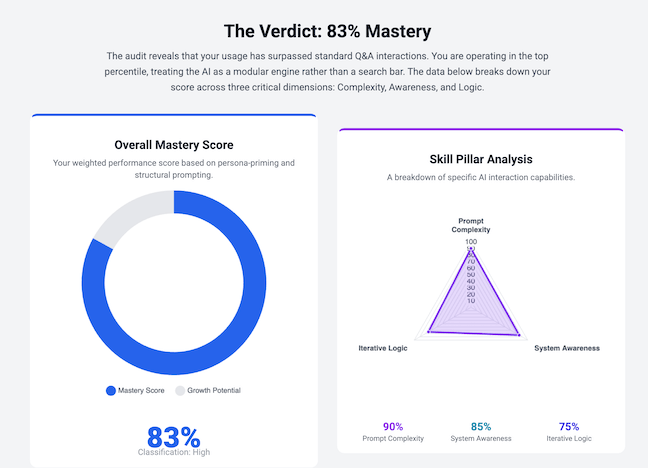
Current AI Maturity: 83%
Using multi-step chains, persona priming, and iterative loops.
Note: Even as an expert, I'm not at 100% yet, and that's okay. The goal is progress, not perfection.
3. My Time Gaps
The audit showed I was "leaving time on the table" in two big areas:
Gemini Gems: I was manually copy-pasting instructions for content recycling instead of using a saved "Gem."
Data Analysis: I wasn't using the built-in Python execution to run my monthly revenue spreadsheets, costing me about 2 hours of manual math every month.
4. My New "One-Click" Build
The AI generated a custom Gem prompt for my Content Recycling workflow. Now, I just drop in a blog URL, click the Gem, and I have a week's worth of social media drafts in 10 seconds.
Why This Simple Move Changes Everything
It stops the generic advice: By telling the AI to be a "Systems Coach," it gives you practical business tips instead of just being polite.
It uses its memory: It looks at what you’ve actually done, not just what you’re doing right now. This is key for preventing burnout.
It gives you a benchmark: Seeing a "Score" helps you realize that AI isn't just about "being good at it", it's about how much time you're actually saving.
It builds your toolkit: The "Build" step gives you the exact instructions you need to create your own Gemini Gems.
How to Get Your Time Back
Once you run the check, follow these three steps:
1. Save Your Prompts: Don't let those new prompts sit in the chat. Save them as Custom Gems in your sidebar. This turns a 20-minute task into a one-click job.
2. Focus on the Gaps: If the AI says you aren't using Data Analysis, try using it for your next monthly budget or client report. This is how you leverage AI to buy back your life.
3. Check-In Monthly: Do this every 30 days. As your business grows, your "engines" should improve as well.
Stop Chatting, Start Operating
Moving from "user" to "operator" isn't about working harder; it's about building better systems. When your tools work like an extension of your brain, you can finally step away from the screen and be present with your family.
Want to build your own personal AI Operating System?
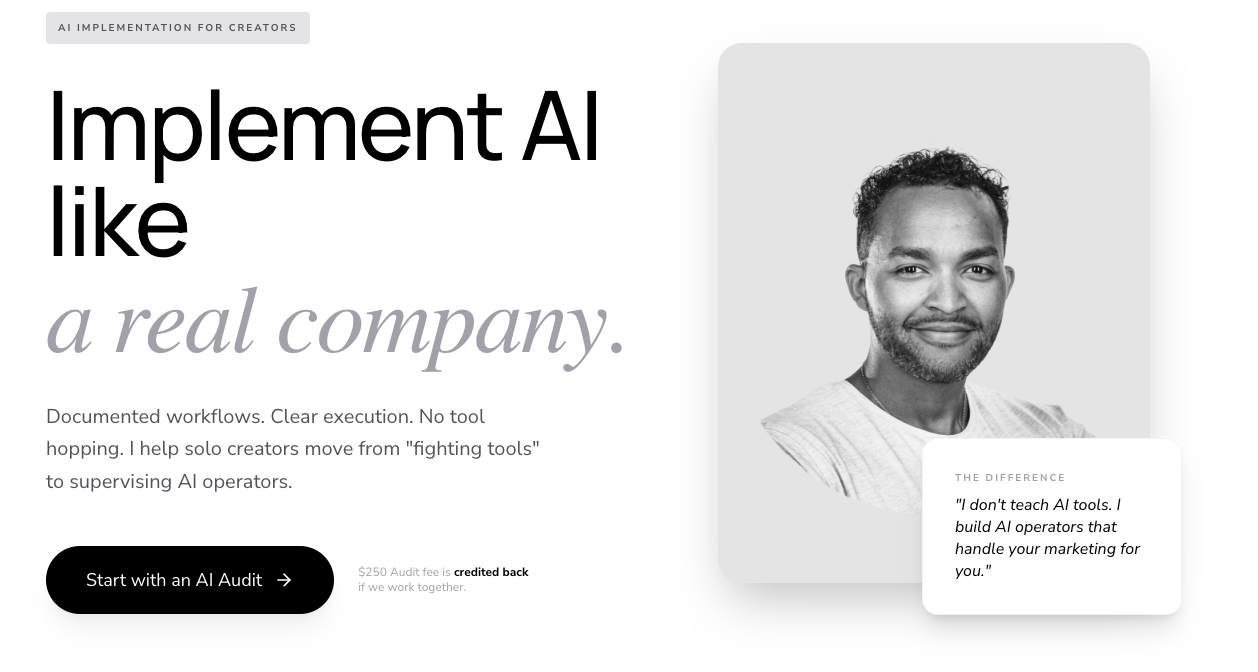
Book an AI Marketing Audit Call. We’ll look at your business together, find the tasks that are draining you, and build the custom tools to run things while you’re busy being a parent.
Design work that fits your life, not the other way around.
Join the Newsletter: LifeDesignOS – The Weekly Sync
If you found this helpful, you’ll love my weekly newsletter. Every Sunday, I send out The Weekly Sync, a short, actionable email designed for busy parent entrepreneurs who want to stop the hustle and start the design.
What you can expect by joining:
One System: A practical workflow to automate a boring business task.
One Prompt: A high-level "God-Mode" prompt you can use immediately.
One Win: A simple tip to help you buy back at least 60 minutes of family time.
This newsletter is exclusive to my private community. Join the LifeDesignOS community on Nas.io to start receiving your weekly sync and get access to our full library of tools to help you design your ideal lifestyle.
Read More on the Blog:
PIN ME