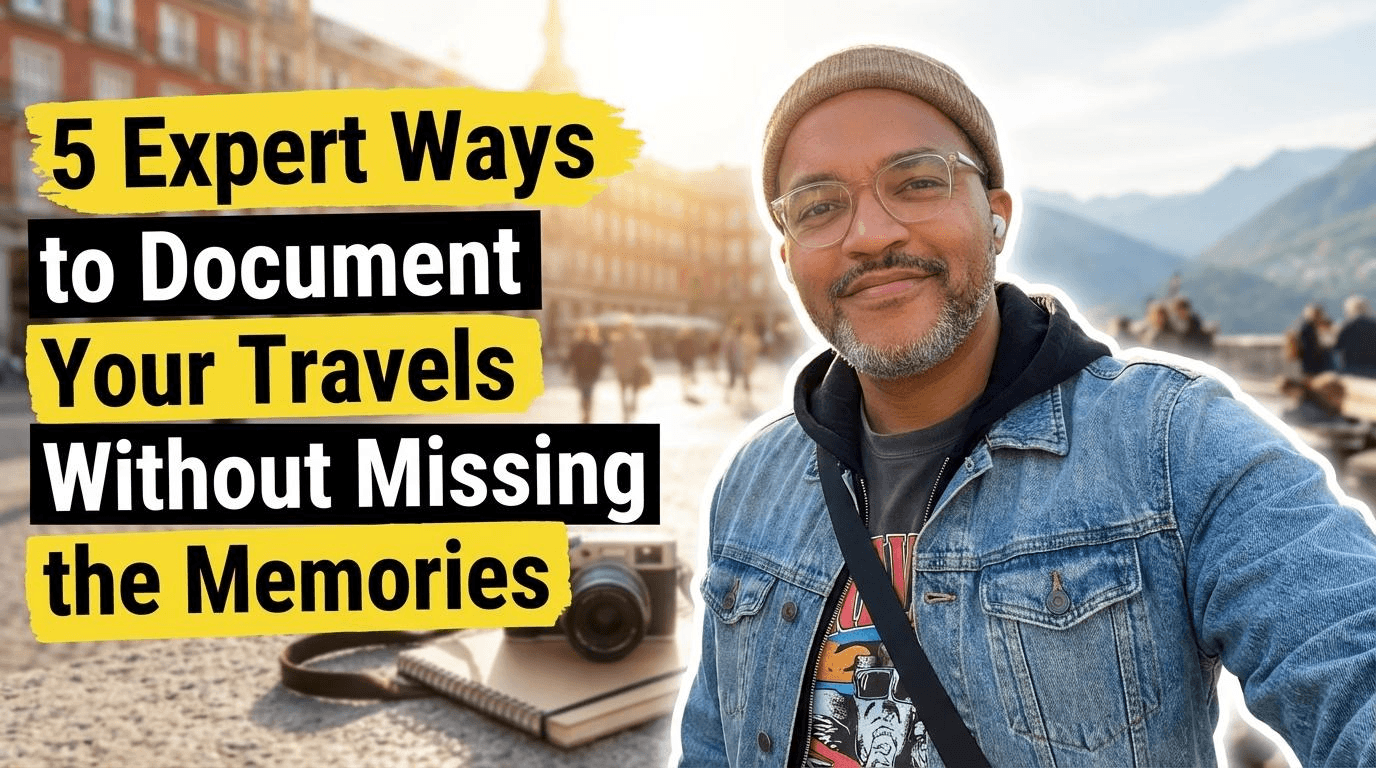
5 Expert Ways to Document Your Travels Without Missing the Memories
Grab your coffee. Let's talk about that underlying pressure we all feel on family trips.
A few years ago, I was standing in front of the stunning Fushimi Inari gates in Kyoto. The smell of cedar and incense was thick in the air. But instead of taking in the orange glow of the wood, I was staring down at my camera screen. I was trying to fix the exposure on my camera.
My mind was miles away from the moment.
It hit me hard. We travel to experience life together, but we end up working as unpaid documentary crew members for our own vacations. We are so busy trying to prove we were there that we forget to actually be there.
During my time at Google and Meta, and after travelling through many countries, I have seen how digital dust steals our presence. Those thousands of unsorted photos and half-finished video projects become a weight on our shoulders.
Documenting your trip should feel like a quiet companion, not a second job.
The Problem with the Camera-First Mentality
Most of us default to volume. We see something beautiful, we snap ten photos. We see a street performer, we record three minutes of video we will never watch again.
This creates cognitive load. Every photo you take is a decision you have to manage later.
When you get home, you are met with a digital pile of 4,000 files. Because the task of sorting them feels like a mountain, you do nothing. The memories stay trapped in the cloud, unorganised and eventually forgotten.
Mindful travel documentation, in my opinion, requires a Mobile-First approach focused on intentionality. You need a system that captures the soul of the trip while keeping your hands free to hold your kids' hands.
Use AI as Your Digital Travel Planner
The stress of travel often starts before you leave the house. You spend hours in tabs, looking for the right cafe or the quietest park.
This is how I came up with a two-step AI workflow to remove this friction.
Step 1: The Research Engine
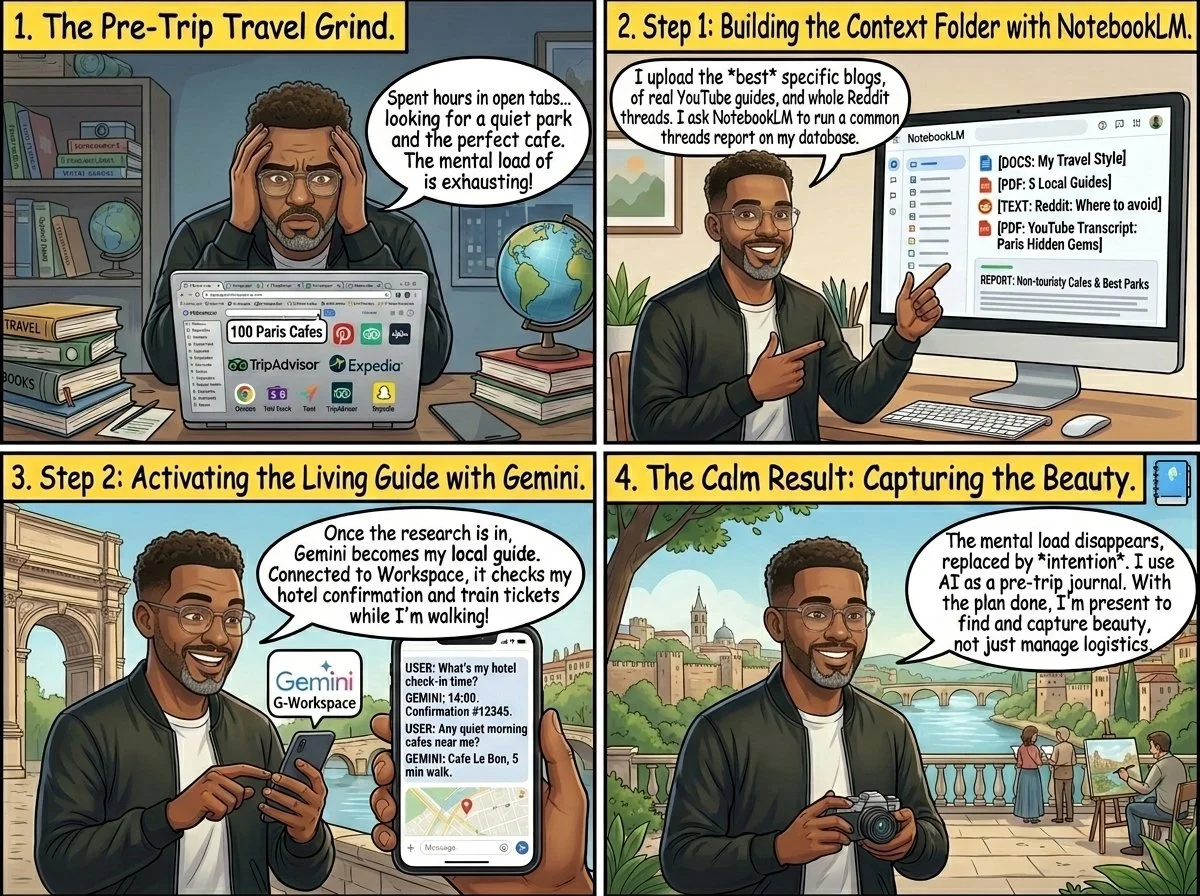
Before I even book a flight, I start building a context folder. I use NotebookLM as my research engine. I don't just look at generic lists. I find the best blog articles and long-form guides and upload them.
But the real gold is in the forums. I ask NotebookLM to scan Reddit threads to find out what people actually think about a destination. I added transcripts from YouTube travel guides that I found helpful.
Then I run a report. I ask the AI to find the common threads. Where are people actually eating? What is a tourist trap and what is a hidden gem? I ask it to build a database based on my specific criteria, like quiet mornings and good train access.
Step 2: The Living Guide
Once I have this database, I turn it into a Gemini Gem. I give it a clear prompt: You are my local guide for this city. You have access to all my research and you know my travel style.
The reason I use Gemini for the actual trip is simple. It is connected to my Google Workspace apps. While I am walking down a street, I can ask it for my hotel check-in time or the confirmation number for a train ticket. It can recall every email shared about the trip in real-time. It turns a static plan into a living assistant that lives in my pocket.
But I also use AI as a digital journal before the trip even starts. I write down what I am hoping to feel. Am I looking for rest? Am I looking for adventure? Setting this intention gives my brain a filter.
Once the intention is set and the research is stored in your digital guide, the mental load of where to go disappears. This leaves room for a more important question. How do you capture the beauty you find without letting the camera get in the way?
5 Proven Ways to Document Your Journey
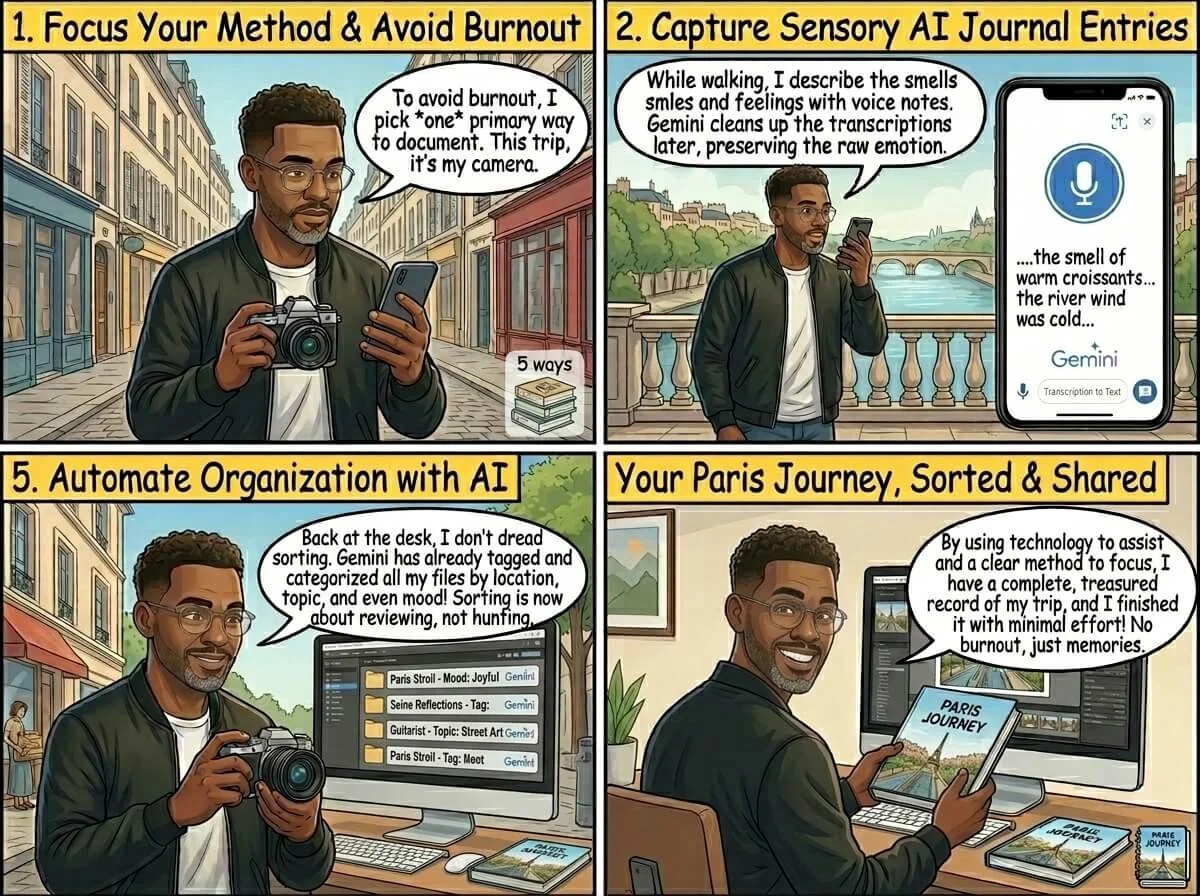
Pick one primary method for your trip. Let the others support it to avoid burnout.
1. Smartphone Photography (The Daily Standard)
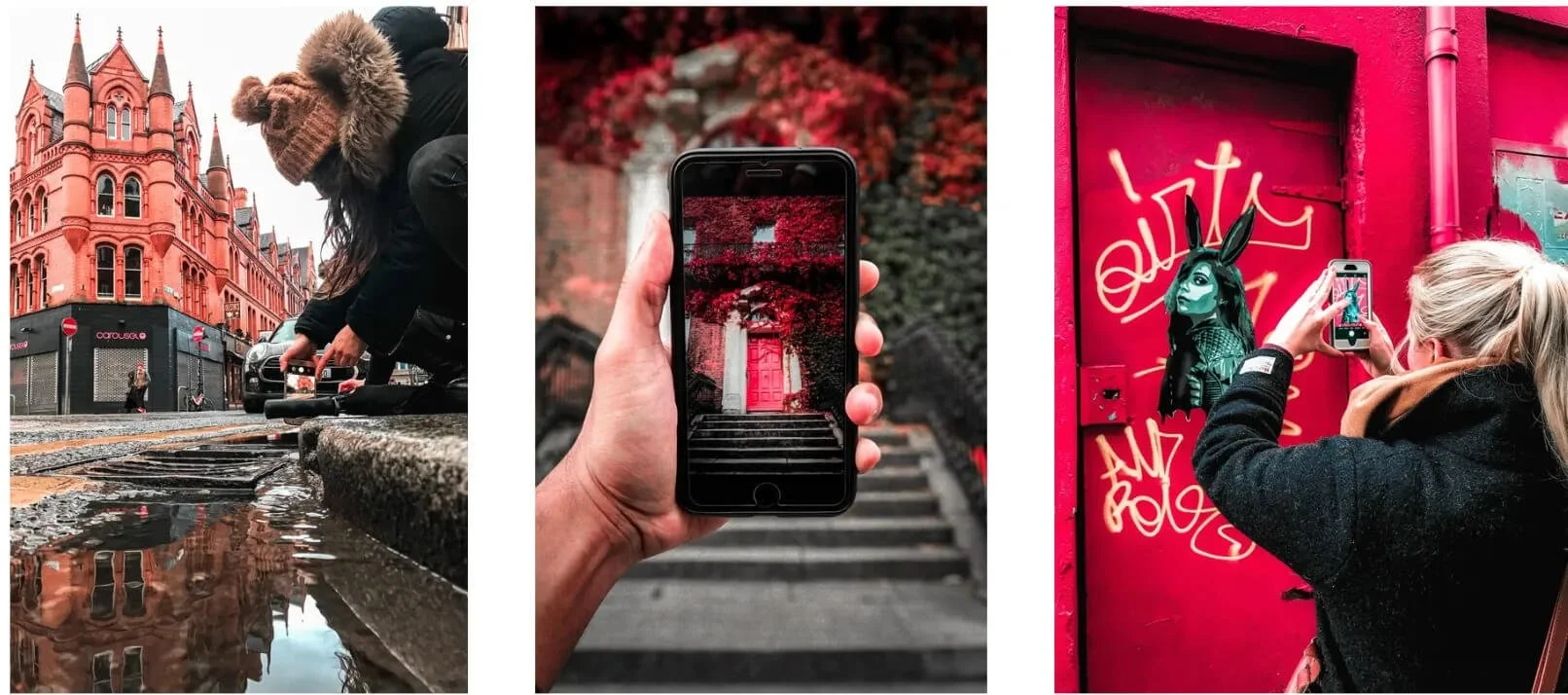
This is the fastest way to stay consistent because the tool is already in your pocket. But do not just aim and shoot.
I pair my phone with minimalist gear like Moment lenses. It adds optical depth that software cannot fake. The moment app is also what I consider being one of the best iPhone camera apps.
But the real secret is the rule of thirds. Turn on the grid on your phone. Put your subject on the lines, not in the center. It instantly makes a snapshot look like a photograph.
If you are just starting out, check out my travel photography tips for beginners for more on how to frame your shots.
2. Short Cinematic Videos (The Living Record)
Stop recording long videos. Nobody wants to watch a five minute video of a waterfall.
Instead, record 5 to 10 second clips. Focus on movement and sound. The steam rising from a bowl of ramen. The sound of your child laughing at a pigeon.
These micro-moments are the gold that photos cannot capture. They are easy to stitch together into a 60 second highlight film when you are back on the sofa at home. I call this approach travel for photography because it changes how you look for scenes.
3. Voice Notes and Frictionless Capture
When the day is done, you are usually too tired to type a blog post. This is where most people fail.
I use voice notes. While I am walking to the train, I speak into my phone. I describe the smells. I describe how the wind felt.
I use Gemini to clean up these transcriptions later. It turns my messy thoughts into a cohesive narrative. It keeps the sensory details alive without requiring me to sit at a laptop while my family does an activity.
4. AI as a Real-Time Journal
During the trip, I treat my AI assistant like a companion. I might say: I just saw the most incredible sunset. I felt a sense of total peace for the first time in months. Remember that for me.
By the end of the trip, I have a library of these emotional bookmarks. They are much more valuable than a folder of random photos. Also as a travel blogger, those micro moments are important and build up your EEAT for SEO purposes. EEAT stands for Experience, Expertise, Authority, and Trustworthiness. In travel blogging, it is the difference between being a ghost in the search results and being a trusted voice.
Google changed its algorithm to prioritize people who have actually been to the places they write about. This is where the Experience part comes in. Anyone can ask an AI to write a guide to Kyoto. But an AI cannot tell you how the incense at Fushimi Inari made your kids sneeze. When you share those micro moments, you are providing first-hand proof.
5. Artifact Production (The Final Output)
One finished project is worth 10,000 forgotten files.
Commit to creating one single thing within two weeks of coming home. A physical photo book. A short video. Or a long-form post for your blog.
If you want to share your journey, I recommend learning how to start a photography blog for beginners. It gives your memories a permanent home.
Documenting Your Travels After You Get Home
The real magic happens once you are back home. This is the integration phase.
I take all my voice notes, my heart-marked photos, and my initial intentions. I feed them back into NotebookLM.
I ask the AI to find the themes of the trip. Often, it notices things I missed. It might point out that I mentioned the quietness of the mornings more than anything else.
Then, I use Gemini to help me draft the story of the trip. I do not let it write for me. I use it to organize my own words. It helps me bridge the gap between a series of events and a meaningful story.
How to Keep Your Gear Minimalist
In 2026, you do not need a heavy bag. The stack is simple:
A high-end smartphone with a good sensor.
Moment mobile lenses for that professional look.
A Ubigi eSIM (Referral code: WEP1XCQQ) so you are never hunting for Wi-Fi.
A small power bank.
I’ve compiled a full list of the best tech for photography nomads if you want to see my complete bag.
For editing, I use Luminar Neo or Adobe Lightroom on my tablet. These tools offer a mobile-first ecosystem. You can edit a photo in two minutes while you are waiting for your laundry to finish. When using Adobe Lightroom, I use my travel presets to edit my photos faster. No need to spend hours editing a photo. Select it, apply the filter, and you are done.
If you are looking for Lightroom presets to edit your travel photos, you can have a look at mine below.


Here you can find 11 custom Travel Lightroom Presets I have created for any type of scenes. From Landscape and Urban to Lifestyle and Portrait shots, these filters will enhance your photos with unique amazing colours and style.
All of them come in 3 different styles (basic + low & high contrast) so there will be 33 presets in total to create beautiful Instagram photos and impress your followers with your brand new cohesive feed!
Decisions While They Are Fresh
Instead of coming home to a mess, make small decisions every day.
When you are on the train or waiting for your coffee, open your photo app. Look at the photos from the last few hours.
Heart the top 10. Delete the blurry ones. Delete the duplicates. By handling quick photo editing as you go, the heavy lifting is done before you even unpack your suitcase.
The Path Forward
Ready to stop snapping randomly and start capturing intentional memories? It starts with how you choose to see the world.
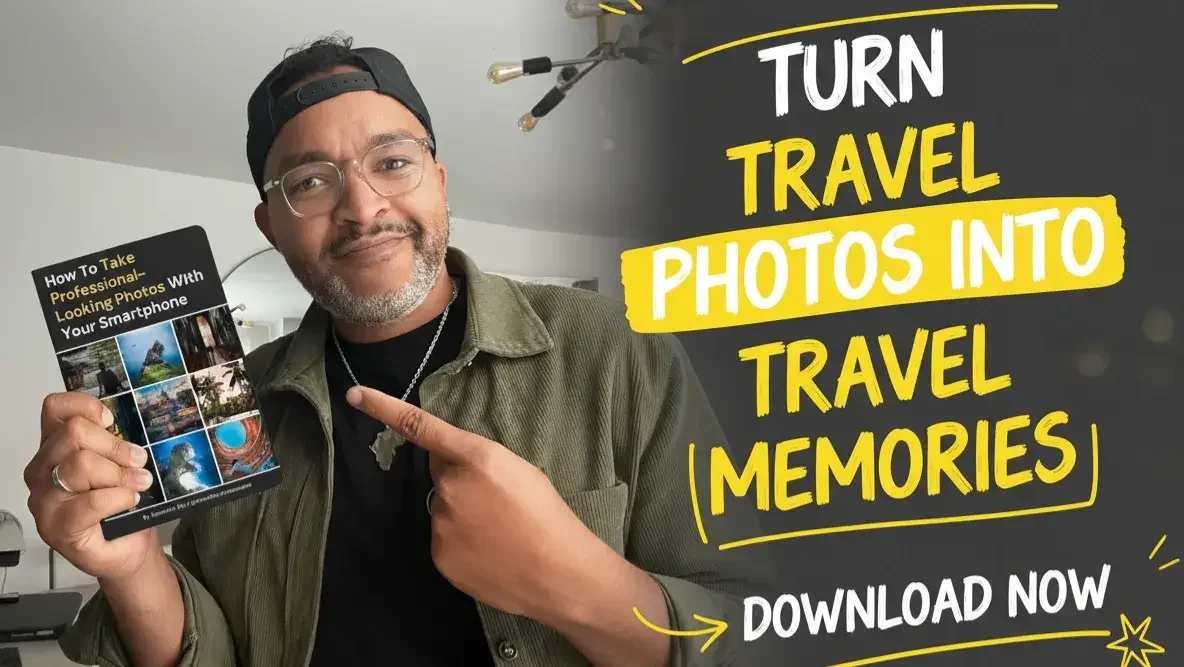
Download the Playbook: Get my Free Mobile Photography Playbook. It is the exact cheat sheet I use to take world-class photos without the technical stress.
If you enjoyed reading this blog article, make sure to like it, it actually makes a difference. And if you know someone who would benefit from it, feel free to share it to support my work!
Safe travels



PIN ME


Have you returned from a trip with thousands of photos trapped on your phone? Don’t let your memories stay buried in the cloud. Learn how to cull your collection and transform your favorite travel snapshots into physical keepsakes, engaging digital projects, and personal home art with these 8 creative ideas.